
How AICrea works
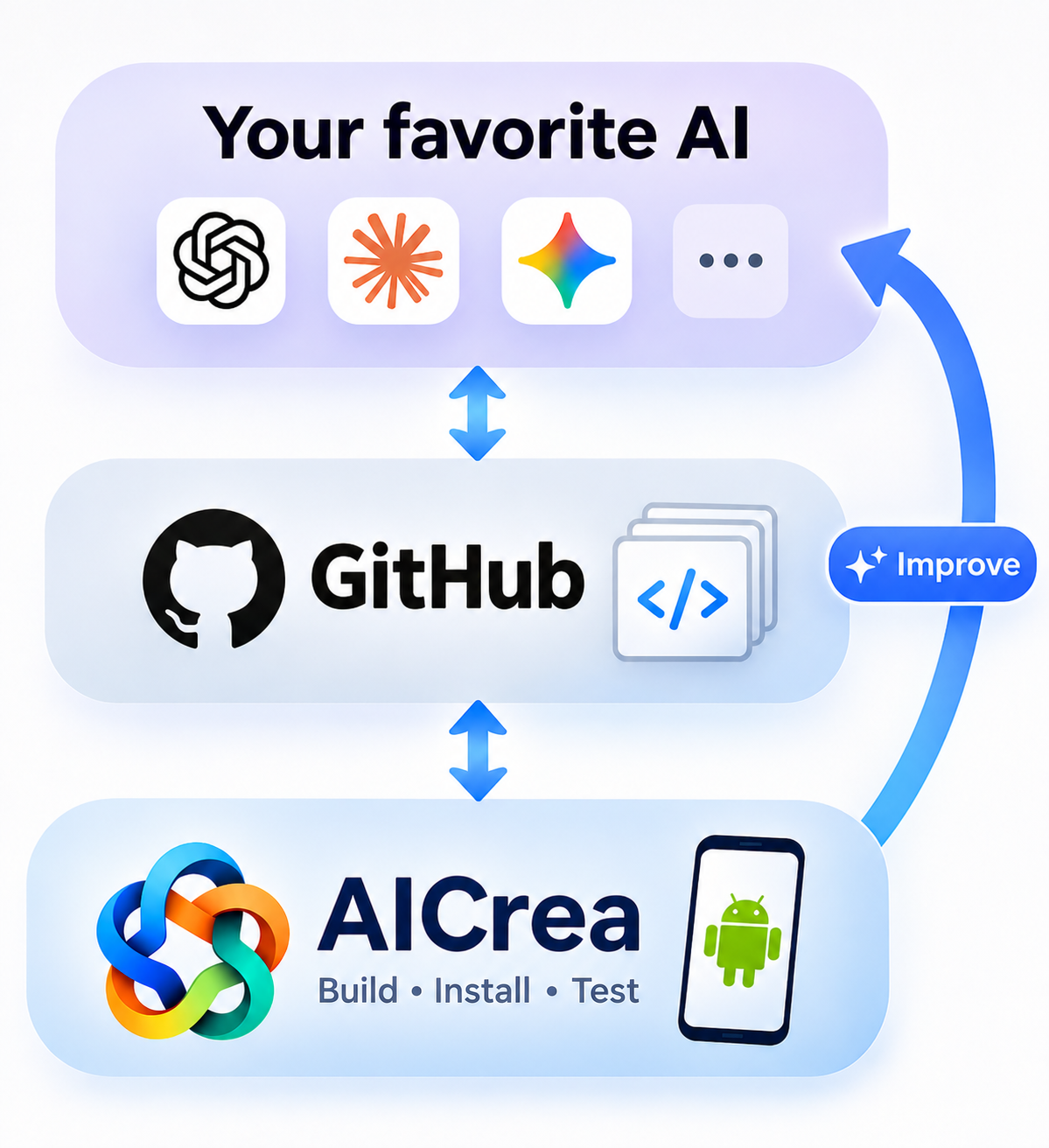
AICrea helps you create Android apps by describing what you want to an AI assistant. You don't need to write code or install a development environment.
Connect your GitHub account
Sign in to AICrea with GitHub. Your app's source code lives in a GitHub repository that you control, so you can keep working on it outside AICrea too.
Describe your app to AI
Connect a supported AI assistant to AICrea and describe the app or change you want. The assistant can work with your project's code and commit changes to GitHub.
Build the Android app
Request a build in AICrea. A builder compiles your GitHub project into an APK, and AICrea shows build progress, logs and downloadable results. You can use a hosted builder or configure a private one.
Install and test
Tap a built APK to install it on your Android device. With wireless ADB configured, AICrea can install the selected APK directly. You choose whether each installation needs an additional confirmation.
Improve and repeat
Try your app, tell the assistant what should change, and build again. AICrea keeps your code in GitHub, making it possible to review changes and return to earlier versions.
Ready to begin? Open AICrea and choose Continue with GitHub. If you don't have an account, choose Create a free GitHub account first.